Integrations
Slack Integration
Mention @orca in Slack to file tasks or dispatch coding agents
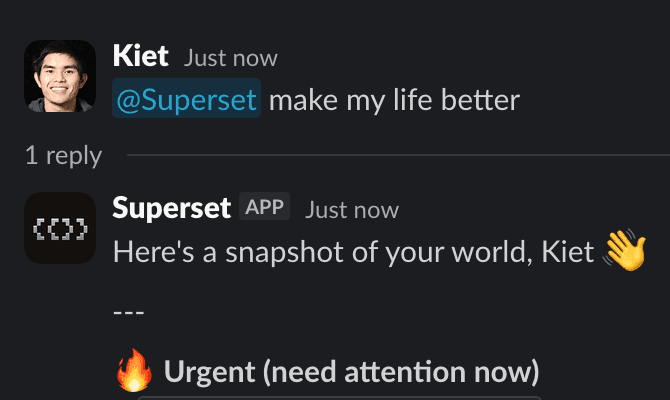
@orca in Slack is an agent, not just a task-filer. Mention it in a channel or DM it, describe what you want, and it acts.
What It Can Do
- Create, update, search, and triage tasks from the conversation it's standing in, pulling assignees, statuses, and priorities from your team's Linear/Orca setup
- Spin up a cloud workspace and launch a coding agent to actually do the work. Code-change requests ("bump our Sentry SDK to v9 across all apps") default to spawning a workspace and agent rather than filing a ticket
- Read the thread or channel history on its own to gather context, no copy-pasting prior messages
- Search the web with citations when a request needs current information
- Unfurl Orca task and workspace links with rich previews
Setup
- In the dashboard, go to Integrations → Slack
- Click Connect to install the Orca Slack app (OAuth)
- Mention
@orcain any channel, or DM the bot, and describe what you want done
Good First Prompts
@orca file a bug: the export button 500s on reports over 10k rows.
Assign to whoever owns reporting.
@orca bump our Sentry SDK to v9 across all apps and open a PR.The second one creates a workspace, runs an agent, and reports back in-thread.